Mats and cropping
Make your TV look like a framed painting
What separates a TV showing a picture from a painting on the wall is often the details: the crop, the space around the motif and the color of the mat.
Choose the crop yourself
An art TV is 16:9, while most paintings are closer to 4:3 — or upright. Rammen crops to the center automatically, but that is rarely where the most important part is. Tap “Edit” and drag the image until the motif sits where you want it: a face in the upper third, a horizon just below the middle, a boat with room to sail into the picture.
When to use a mat
The mat is the light border between the picture and the frame. On an art TV it solves two things: upright works and portraits are shown in full instead of being cut, and the picture gets room to breathe, just as in a museum.
- Upright paintings and portraits — almost always a mat.
- Japanese woodblock prints and drawings — a narrow white or cream border looks natural.
- Wide landscapes — often best without, so they fill the whole screen.
Pick a color for the room
- White is classic and fresh, and suits bright rooms and graphic works.
- Cream is warmer and softer — lovely with older paintings and woodblock prints.
- Gray is neutral and softens the contrast against mid-toned walls.
- Black gives a dramatic, modern look and makes colors glow.
You see the result in the editor before you send, so it’s easy to experiment. Adjust the width with the slider.
Small touches that make a big difference
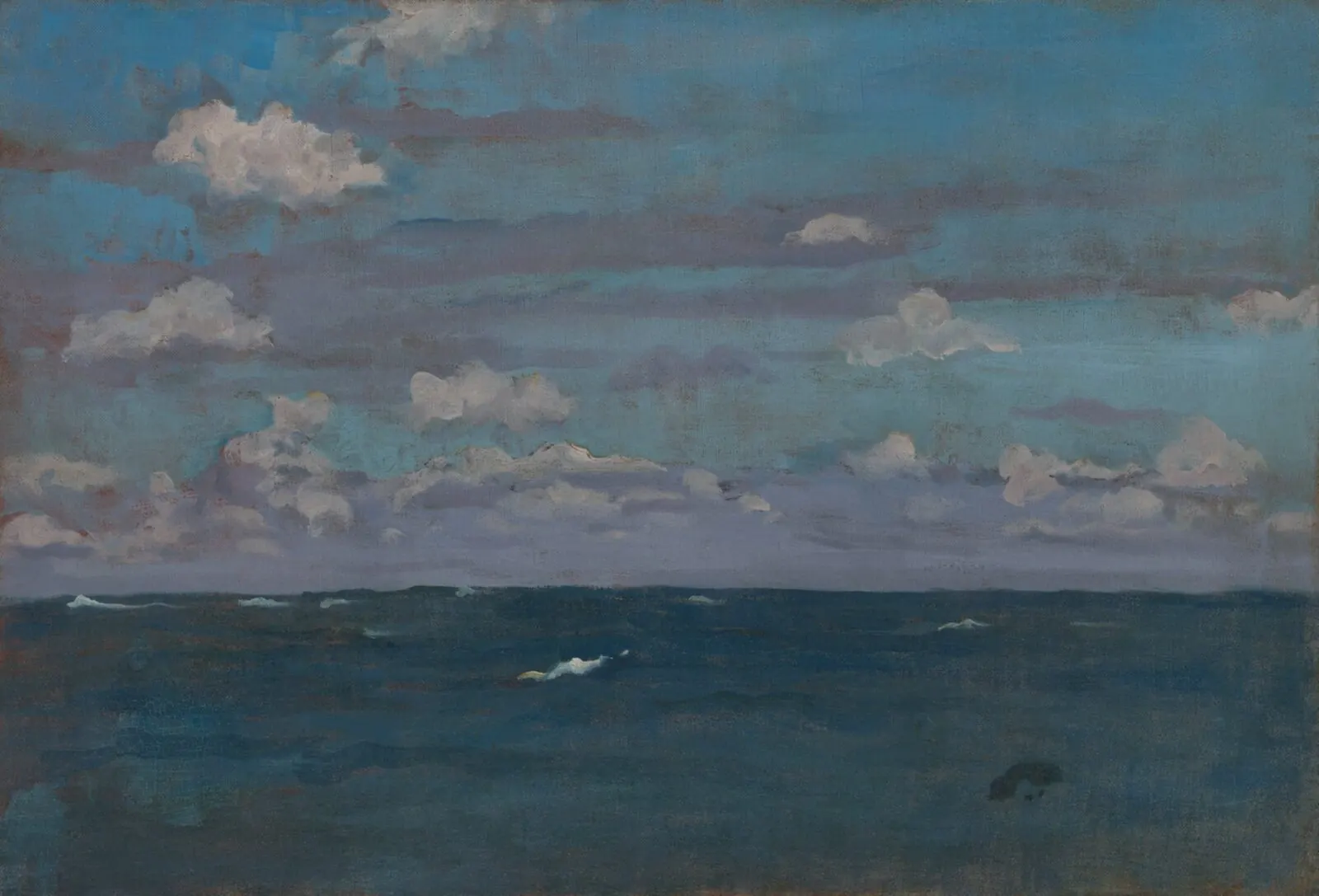
- Dark, quiet works — like Whistler’s nocturnal seascapes — look real on the wall in the evening.
- Change the motif with the seasons: bright landscapes in summer, still lifes and interiors in winter.
- Many art TVs have their own brightness and color tone settings for art display. Slightly lower brightness makes the picture look more like paint than screen.
Need something to hang? Find inspiration in the collections.
Read next
- Free artFree art for The Frame — no subscriptionWhat public domain means, and where to find thousands of paintings you are free to use.
- Your own photosHow to show your own photos on Samsung The FrameHoliday photos and children’s drawings on the wall — step by step, straight from your phone.
- CollectionsArt for your TV, from the world’s open museumsImpressionism, Japanese woodblock prints, landscapes and old masters — what you’ll find in the app.